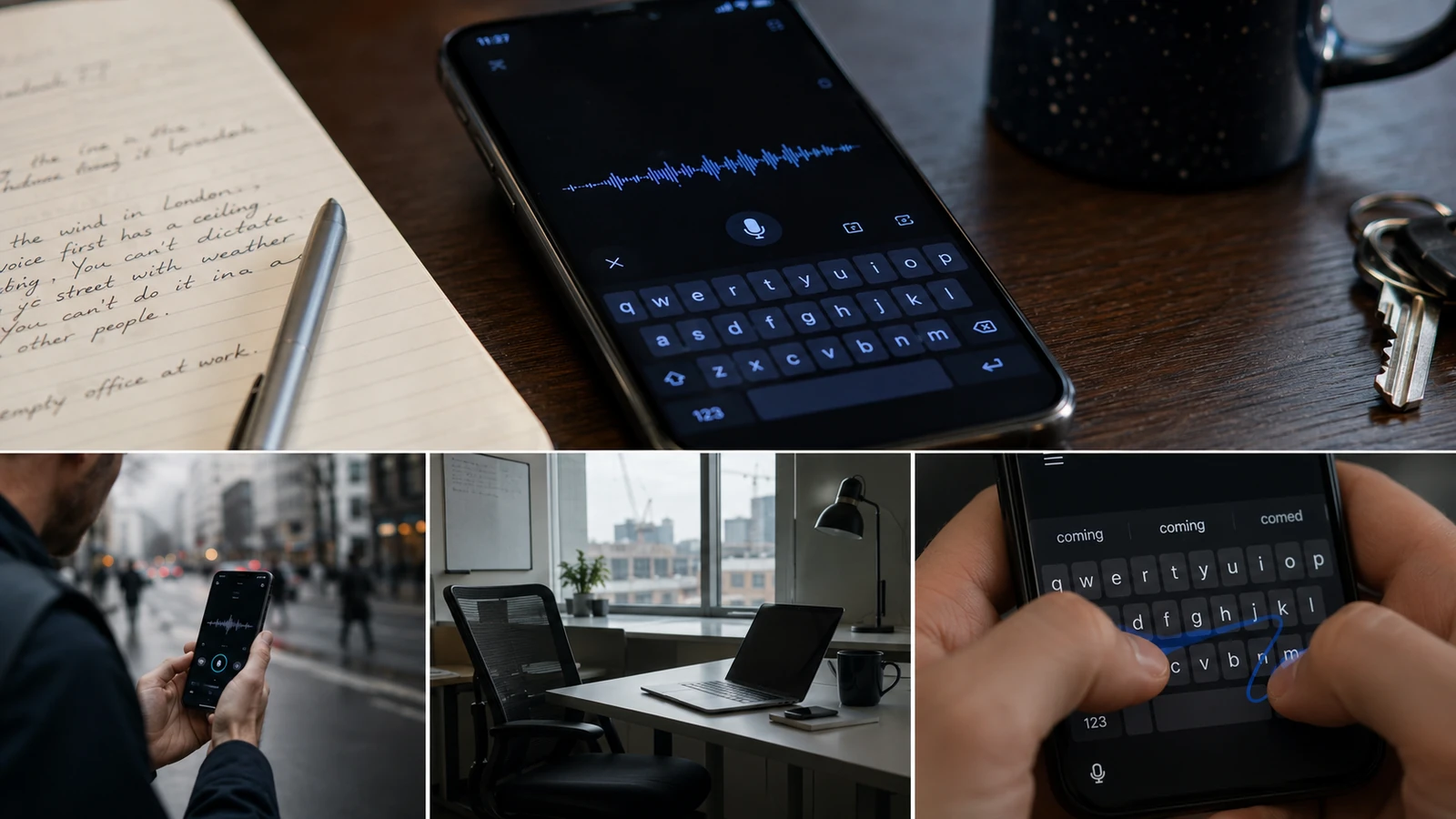
A week with a voice-first keyboard still came down to where voice worked and where typing took over.
Most voice typing keyboards either transcribe everything you say and leave you to tidy it up, or they do the cleanup in the cloud. The interesting fork is the one that does the cleanup on the device, where the audio never leaves the phone and there is nothing on the other end to send it to. Yaps is one of the few that takes that fork, it is about three weeks old, it was built by one person, and I used it as my only keyboard for a week to see what living with it was actually like.
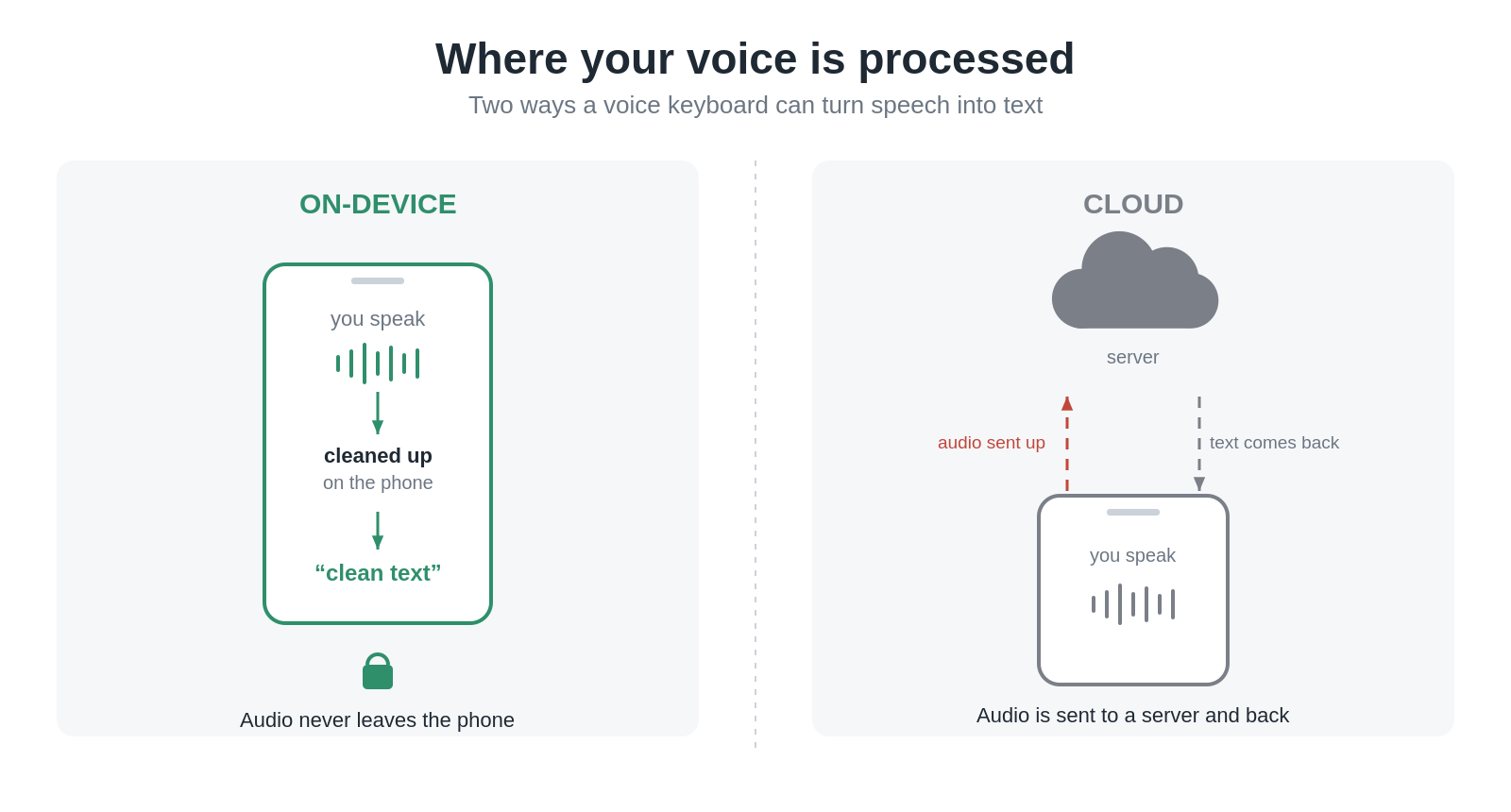
The privacy difference is where the cleanup happens: on the phone, or after audio leaves for a server.
The first time it earned its place was a long rambling note I dictated at home, the kind of thing I would normally type out badly and fix afterwards, and it came back so close to right that I only changed a word here and there. It also understood my Brummie accent, which Microsoft Teams used to get wrong often enough that I noticed it when we first rolled Teams out at work. Accent is the thing most voice tools quietly fail on and do not tell you they are failing on, so getting a clean pass on a long unstructured note in my actual voice was the moment I started taking it seriously.
The wind in London is what tells you voice-first has a ceiling. You cannot dictate into your phone walking down a street with weather in it, you cannot do it in a lift with other people, and you are not going to stand in a quiet shop talking at your screen. The one place it was genuinely easy was an empty office at work, where I could say what I meant out loud and watch it come back cleaned up. Everywhere else I was back on the keyboard, which is the part of a voice-first keyboard you do not think about until the voice is not available.

Voice-first input has a ceiling as soon as the real world gets noisy.
So the week was mostly about the keyboard underneath, and that is where the friction was. Swipe input worked reasonably well for something that is still learning my word patterns, and the three suggestions it offered were mostly the right ones, so it was not fighting me on accuracy. What it was missing were the things I have as muscle memory from the Samsung keyboard, the punctuation row above the letters being the obvious one, and it felt laggy when I was typing fast. I had moved off SwiftKey to the Samsung keyboard when I got the S24 Plus, on the assumption Samsung’s own one would tie in better with the phone, so the comparison in my head was Samsung, and Yaps was not there yet on the typing side. The on-device processing was the reason I kept going with it through that, because with the Samsung keyboard I cannot actually tell whether something I type is staying on the phone or being sent somewhere, and with this there is nothing to send it to.
I fed all of this back to the person who built it, partly because it is a three-week-old app and that feedback is worth more now than later. There were bugs, and they were the kind you get on a new app in early setup. Pressing X on a dictation discarded the whole thing with no warning, and I lost a full conversation that way before I understood that is what X did. At one point the keyboard did not appear at all when I was trying to write a calendar note, and the only thing that fixed it was switching the app’s battery setting from optimised to unrestricted, which I have had to do with other new apps before and is not unique to this one. Both of those happened just after I had installed it, so some of it may have been the phone still settling.
The update landed while I was still in the week. The keyboard was noticeably faster and most of what I had flagged was gone, though I had to go and find the update on the Play Store myself because it did not come through automatically. The creator had handed an AI device-level control to iterate the keyboard overnight while he focused on the desktop version, which is how the typing side moved that far that quickly.
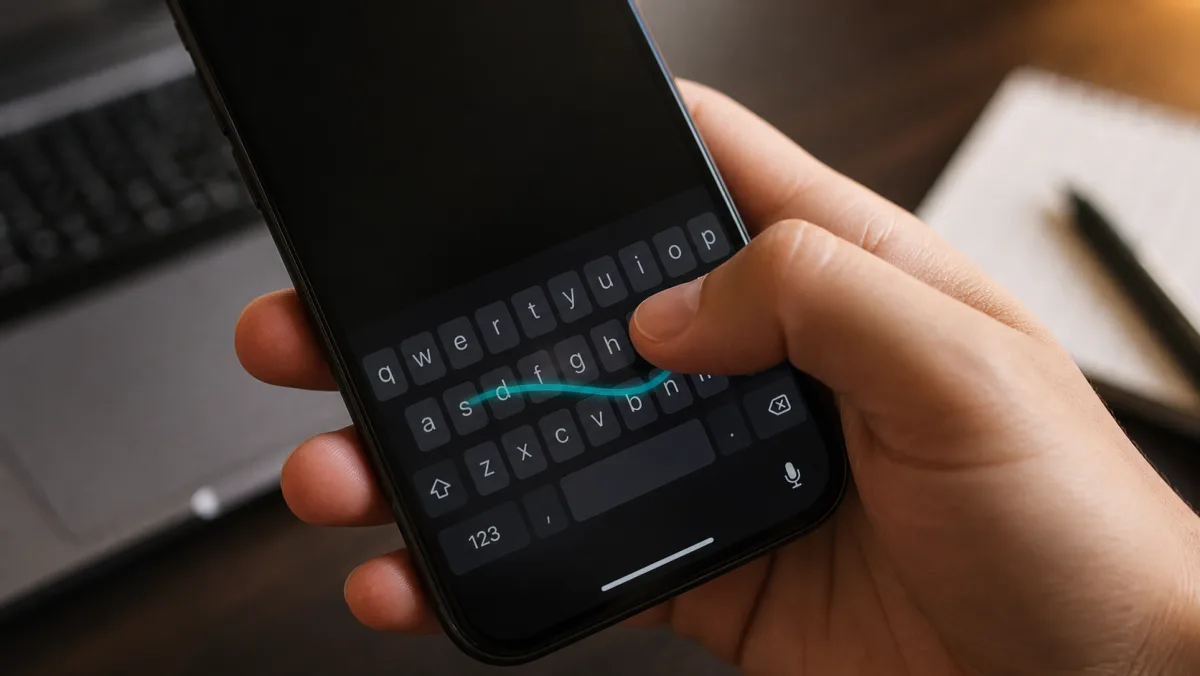
The update mattered because the voice-first idea still depends on the keyboard underneath.
The reason I am watching the desktop version is that Claude’s voice input on my Mac still does not work properly for me, and that is the gap I keep running into with voice generally. The tools are fine in the place they were demoed and unreliable in half the places I actually want to use them, so what I am after is one that works the same everywhere rather than one that works well in a quiet room. Yaps on the phone got closer to that than most things I have tried, it is three weeks old and built by one person, and the part I keep coming back to is that it got materially better while I was still trying it out, off the back of feedback I had sent a few days earlier. That is not the usual shape of using a new app, and it is the part of the week I found most interesting.