Hardware gets kept because it runs what it’s always run, and the refresh conversation gets deferred because nothing appears broken. The ceiling only shows up when someone tries to do something new on top of it. I had that exact experience last Saturday trying to containerise the apps on my home server.

The Plan
I’ve been wanting to use containers more outside of just reading about them, so running them at home on something real was the obvious next step. Set up a git repo for version control, VS Code as the editor, and OpenAI’s Codex to handle the agentic coding tasks directly on the machine, so I had everything in place to move quickly on something I hadn’t done before. The plan was to start with one small component and see how it handled it before doing anything else.
Getting WSL Running
Getting everything set up on the machine took a little longer than expected, with a BIOS update needed before WSL would play ball. WSL, Windows Subsystem for Linux, provides the Linux layer that Docker needs to run on Windows. Docker is what actually runs the containers, each one a self-contained unit that packages an application and everything it needs to run in isolation from everything else on the machine.
The CPU Hit
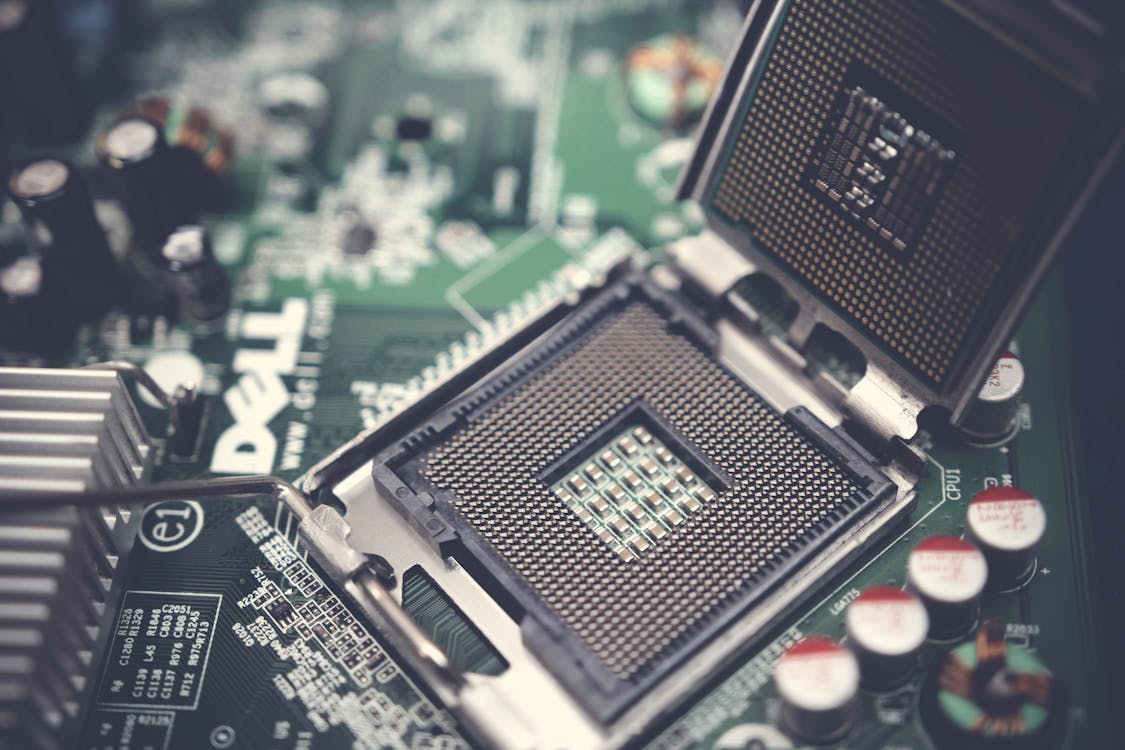
My machine is a 2013-era i5-4670K, four cores, four logical processors, and while it runs everything currently on it without complaint, that Linux layer isn’t free. Once the first container came up the CPU immediately took a significant hit, and one container for one small component was already too much. The plan to containerise the rest of the apps wasn’t going anywhere on this hardware, so I swapped that component out for a Python script and left it there. There are other ways to squeeze more out of a machine this age but nothing that changes the fundamental problem, so the containerisation plan waits until the hardware does.
The Bigger Picture
The machine is also still on Windows 10 because it can’t meet Windows 11’s hardware requirements, which at this point says everything about the underlying spec that the CPU hit already implied. Microsoft ended mainstream support in October 2025, but consumers in the EEA got a free one-year security update extension after European consumer groups pushed back under the Digital Markets Act, while elsewhere it costs $30.
The enterprise version of this plays out most visibly during OS migrations. Moving from Windows 7 to Windows 10, the RAM requirement was the thing that caught organisations out, not because the machines were old, but because the specific hardware needed to upgrade them was no longer available. I’ve seen high spec laptops written off because the single-sided RAM they needed to get from 4GB to the Windows 10 minimum simply wasn’t being made anymore, and with that part no longer in production there was no way around it. That’s a harder conversation than ’the hardware is old’ because nothing about it felt inevitable until it suddenly was.
What’s Next
The ESU window closing later this year is what forces the decision on my end, and when it does the plan is to replace the machine and build properly from scratch with containers and likely a Kubernetes cluster from the start. Fingers crossed component prices are somewhere reasonable by then.