My Mac went in for a screen repair last week, a burn-in issue known on the 2024 model, so I pulled my old Windows laptop off the shelf. It was my workhorse before the Mac, and being back on it properly meant I could verify the experience from the Windows side, which mattered given I’m developing something their users will be testing.
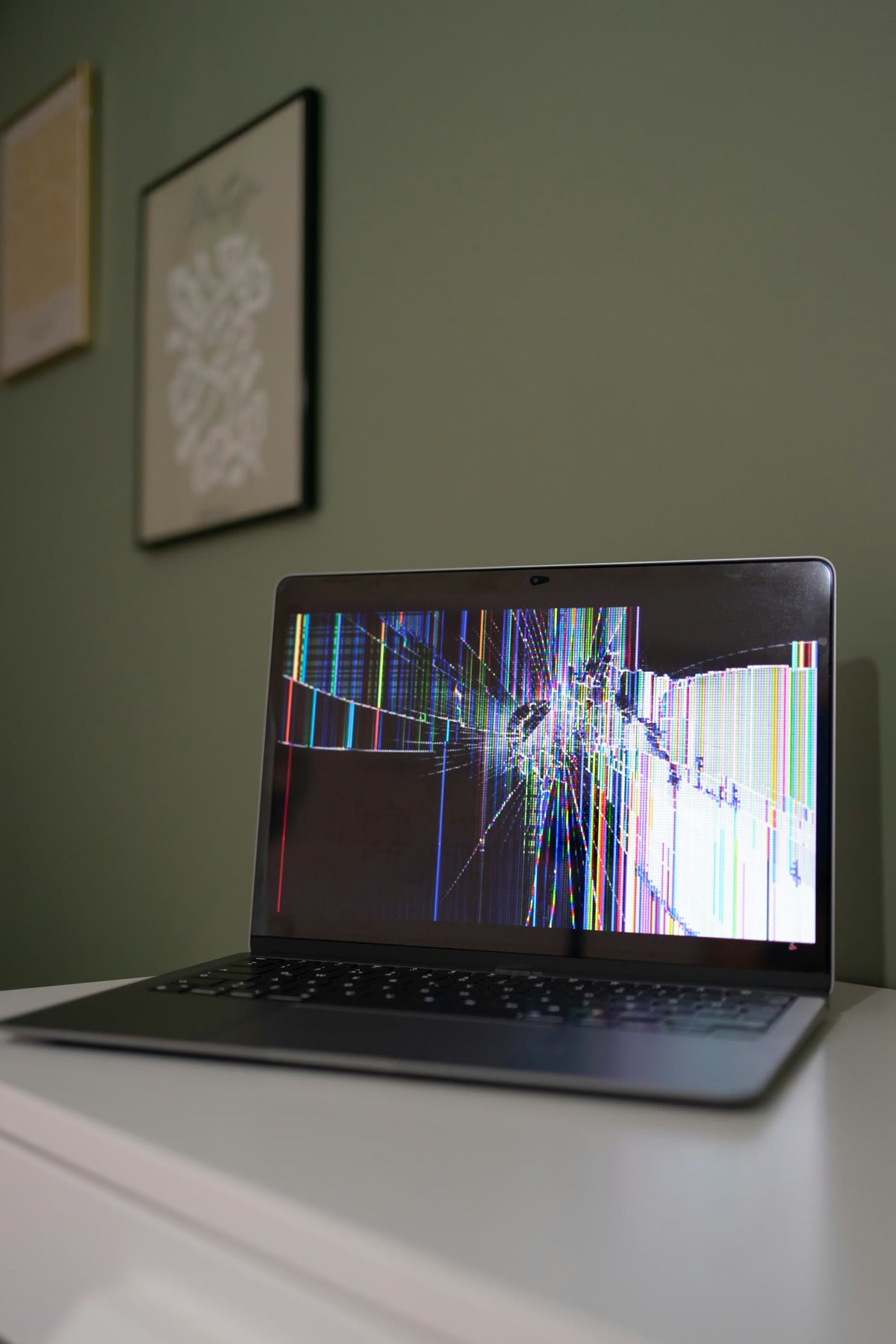
The repair was the forcing function: old Windows laptop back into daily use, not as a nostalgia exercise but as the machine I actually had.
The habits layered on top
Fifteen-plus years on Windows means the navigation runs without thinking, and a year away hasn’t changed that. What I didn’t expect was how much the Mac had started laying new habits on top. I went to use the trackpad and did a three-finger swipe automatically, then spent a second registering that I was on Windows and that it had just worked.
That moment is probably the most honest summary of where I am with both platforms right now: the Windows autopilot is still intact underneath, but Mac habits are starting to run on top of it, and they don’t always cancel each other out cleanly.
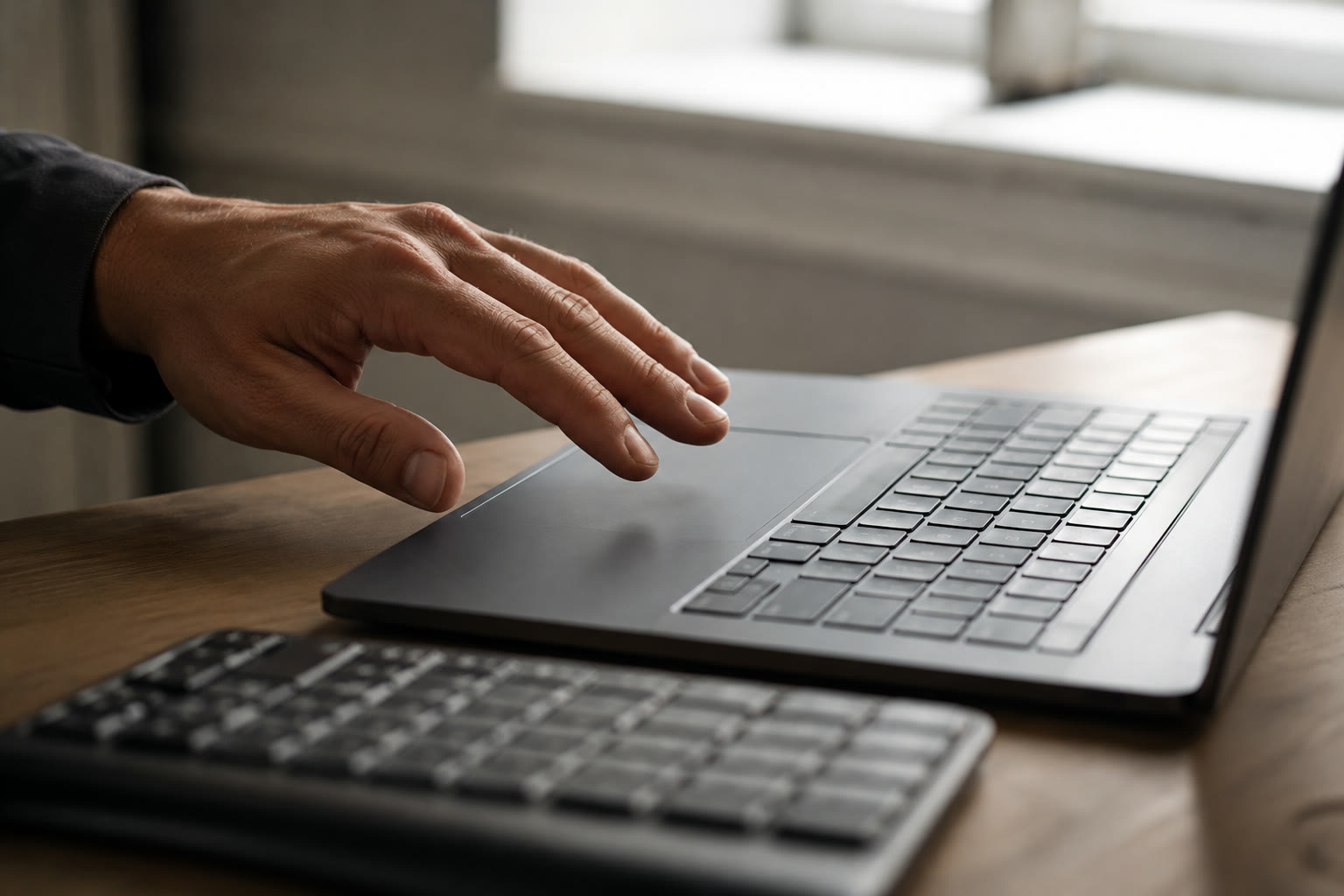
The odd part was not that Windows still worked. It was noticing which Mac habits had become automatic enough to follow me back.
Keyboard shortcuts make that most obvious, a full brain reset every session, and Cmd versus Ctrl is only the start of it: the shortcuts with no Windows equivalent, the ones that exist on both platforms but do slightly different things, the window management keys I now reach for on Mac and have to consciously stop myself using.
The mouse speed is the same problem made physical. I spent the first few weeks on Mac thinking the cursor was too fast and adjusting to it, and now on Windows it feels too slow. The recalibration runs in both directions and it resets every time I switch.
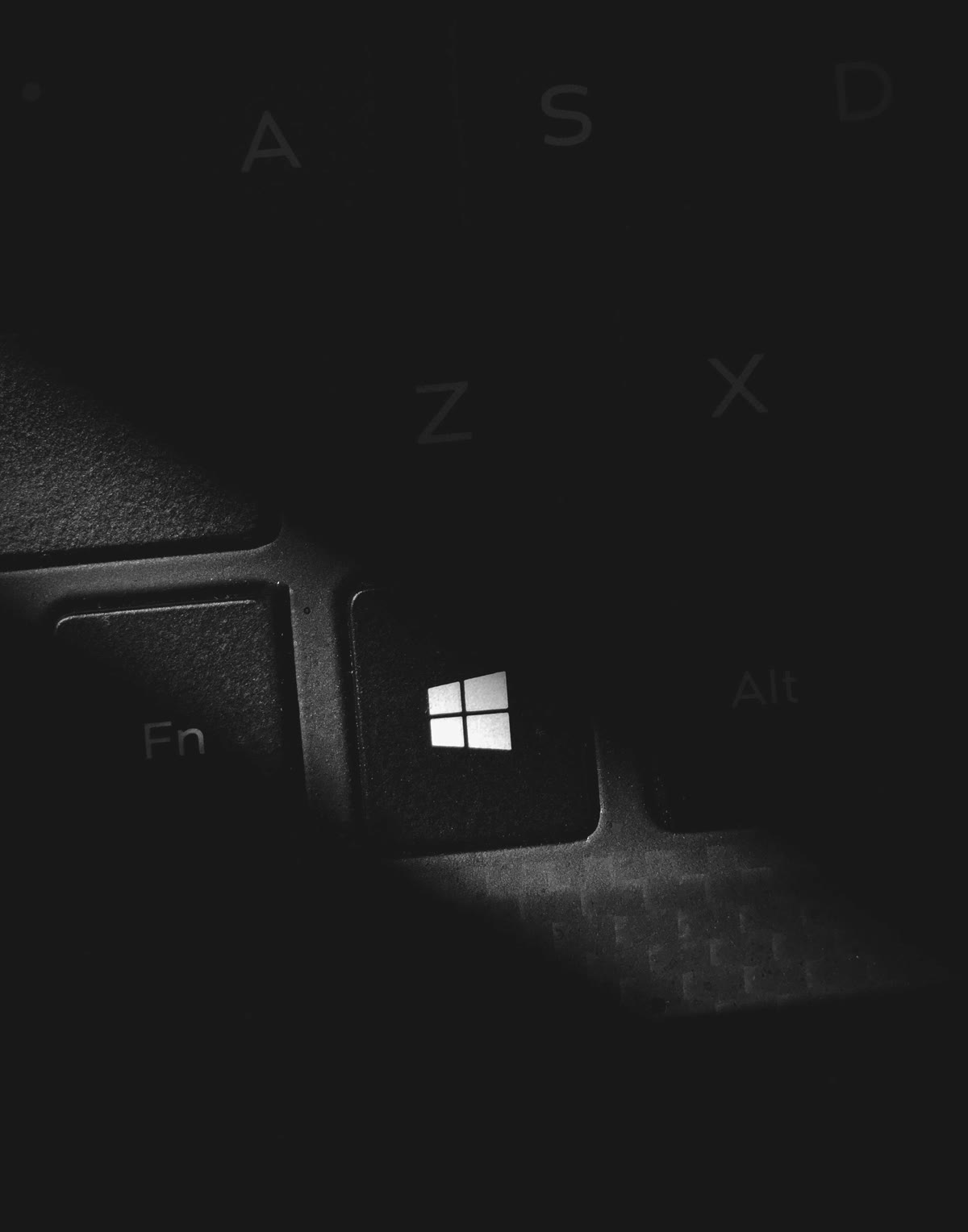
Some friction is muscle memory. Some is a familiar key taking you somewhere you did not mean to go.
What Windows still gets right
Coming back also reminded me of things Windows 11 does that I’d stopped giving it credit for. The taskbar thumbnail previews are something I still genuinely miss on Mac: hover over an app and you get a preview of every open instance, which is faster for quick-switching than anything Mac offers.
Mission Control exists and I use it, but it’s a different interaction entirely. The virtual desktops point connects to this: on Windows they never really clicked for me, partly because the hover thumbnails already covered most of what I needed. On Mac, spaces have become load-bearing for how I split work across contexts, and I think that’s because there’s no hover preview to fall back on, so you end up using spaces because the alternative is stacking windows and Alt-Tabbing blind.
Same feature, completely different role on each platform depending on what else is there.
Tabbed File Explorer is genuinely better than I remembered and better than anything Finder currently offers. Having a dozen Finder windows open because you’re moving things between folders is a real annoyance, and Windows solved it.
My previous experience with WSL was bad enough that I’d written it off entirely, because years ago I couldn’t get it to run alongside VMware and neither Microsoft nor VMware was clearly owning the fix. Coming back to it now it actually works, which meaningfully changes what Windows looks like as a development environment.
The Windows problems that remain
The things that are just Windows problems rather than muscle memory problems are a shorter list than they used to be, but they’re still there. I opened Copilot by accident hitting the Windows key.
I knew I was taking the Mac in for repair, so I set aside time specifically to let Windows update before I needed to use the machine properly, and the last few feature updates before this one had failed outright, wouldn’t complete regardless of what I tried, and I ended up pulling an ISO from Visual Studio to do the version upgrade manually.
The two settings surfaces, Settings and Control Panel, are still both there and still both needed, and nearly five years into Windows 11 Microsoft still hasn’t consolidated them, so you’re never quite sure which surface has the thing you’re looking for. I still default to Control Panel most of the time because I know where things are in it, which probably isn’t the intended behaviour.
The hardware reminder
The performance gap against the Mac isn’t a fair comparison given how old the laptop is, but after a year of the Mac being effectively silent under load, the fan noise and heat register immediately. I’d stopped thinking about thermals entirely and coming back to a machine that runs hot reminded me that was a thing.

A year with silent hardware makes heat and fan noise feel louder when they come back.
Access over preference
Part of the reason I switched to Mac was that DevOps tooling and AI tools are increasingly built Mac-first, and I was spending time hitting platform walls on things I wanted to test and use properly. I already get enough of that with Android on anything iPhone-only, and after a year on Mac I’m genuinely considering switching phones for the same reason, access rather than preference.
Coming back to Windows and opening Copilot by accident while trying to do actual work sits somewhere in that picture: Microsoft’s AI story right now is integrations across every surface whether you asked for them or not, while the tools I actually need for development work are still predominantly built Mac-first.
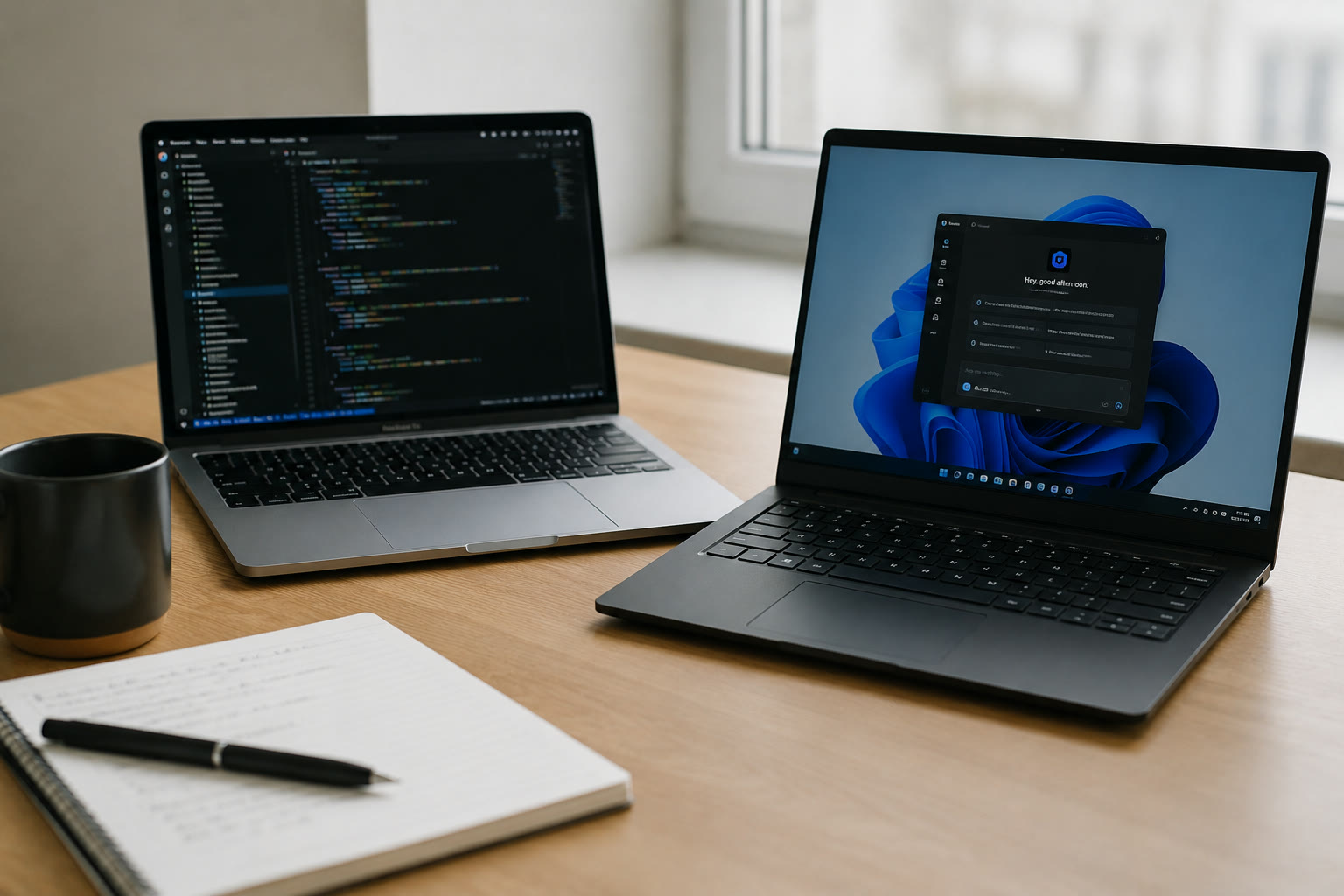
The split is access versus interruption: the tools I want to test are often Mac-first, while Windows keeps pushing platform AI into the foreground.